
Christmas in Happy Restaurant (Dec 15 – Dec 26)
Every December, the neighborhood outside your 3D dining room dresses up for Christmas with free festive street sets and limited-edition holiday decor.
Schedule & how seasonal events work
According to the official seasonal calendar, the Christmas event runs every year from 12-15 through 12-26 (inclusive local dates), followed right after by New Year Countdown from 12-27 to 01-03.
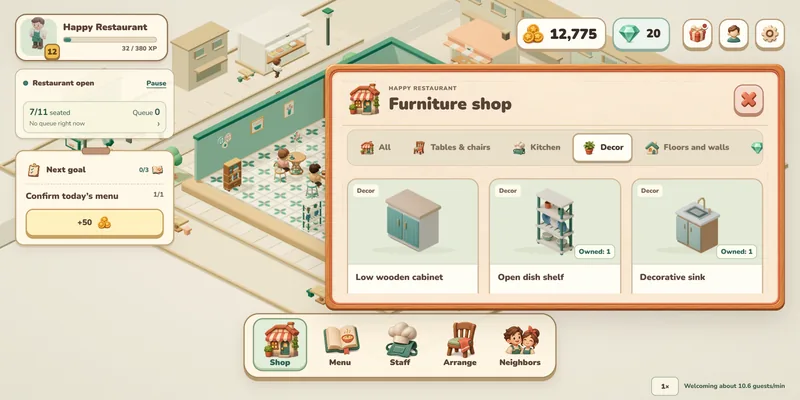
During the active window, the exterior street around your restaurant transforms automatically for free—no purchase required. Inside the Shop, the Event tab opens limited-time seasonal decor pieces and festive character accessories that match the holiday palette of evergreen moss, pine red, gold, and warm cream.
Tips to prepare before December 15
Looking ahead after the holidays? Lunar New Year (Tết) opens next in late January 2027 with fresh festive street kits and collectibles.
- Keep items forever: Every seasonal decor item you buy stays in your inventory permanently even after December 26.
- Preview layout early: Clear 1–2 corner tiles with Arrange mode so festive trees and floor props fit naturally next to your windows.
- Share your holiday room: Post a screenshot of your decorated restaurant in our Sunday Facebook showcase with #khoequan and #sukien.
- Sync before switching devices: Link your email account on web or Android so seasonal unlocks travel with you everywhere.
Related Guides
Ready to open your kitchen?
Play free in your browser or install on Android via Google Play — sign in with the same email account to keep one restaurant across devices.